Creative Director
Your quality firewall. Reviews and approves every deliverable. Included, not an upsell.

Most design services explain themselves with the word "unlimited" and a shrug. Here's what really happens after you sign up: who does the work, how it moves, how fast it comes back, and what to do when launch week sets everything on fire.


Deer Designer Team
7 designers, 1 pod
Day one
Every account gets a pod: the same people on your brand every single time. They're named and visible in your account from the start, so you always know who's doing the work.
Your quality firewall. Reviews and approves every deliverable. Included, not an upsell.

Your brand's muscle memory. The same hands on every request, no re-explaining, no resets.

The resizing, variations, and grind, handled at machine speed so the humans stay on the craft.

So you're never the one chasing status updates. The pod runs itself.

When your project needs it, we pull in specialists from a vetted bench: motion designers, illustrators, web developers, brand designers and more. Already briefed. No extra cost.
Freelancers forget you between projects. Your pod never stops learning you.
Onboarding depth scales with your plan. The goal is the same on all three: your first brief shouldn't need a twenty-minute explanation.
Self-serve brand setup
Drop your logos, fonts, guidelines and a few examples you love into your brand library. Your first request can go in the same day.
Guided onboarding
We build your brand system with you, so your pod works from a proper foundation instead of squinting at a PDF from 2019.
Immersion workshop
A working session with your creative director before the first brief. Your pod starts roughly where an in-house team would be after a month.
The loop
This is the loop every request runs through, whether it's a single Instagram post or a 40-slide investor deck.
Start a request in Buckboard with a sentence. Buckboard shapes it into a proper brief and prompts you for what's missing: sizes, copy, references, the do's and the don'ts. No discovery call to explain what you meant.
Pro tip: references beat adjectives. "Like this, but warmer" gets you further than three paragraphs about "modern but approachable".
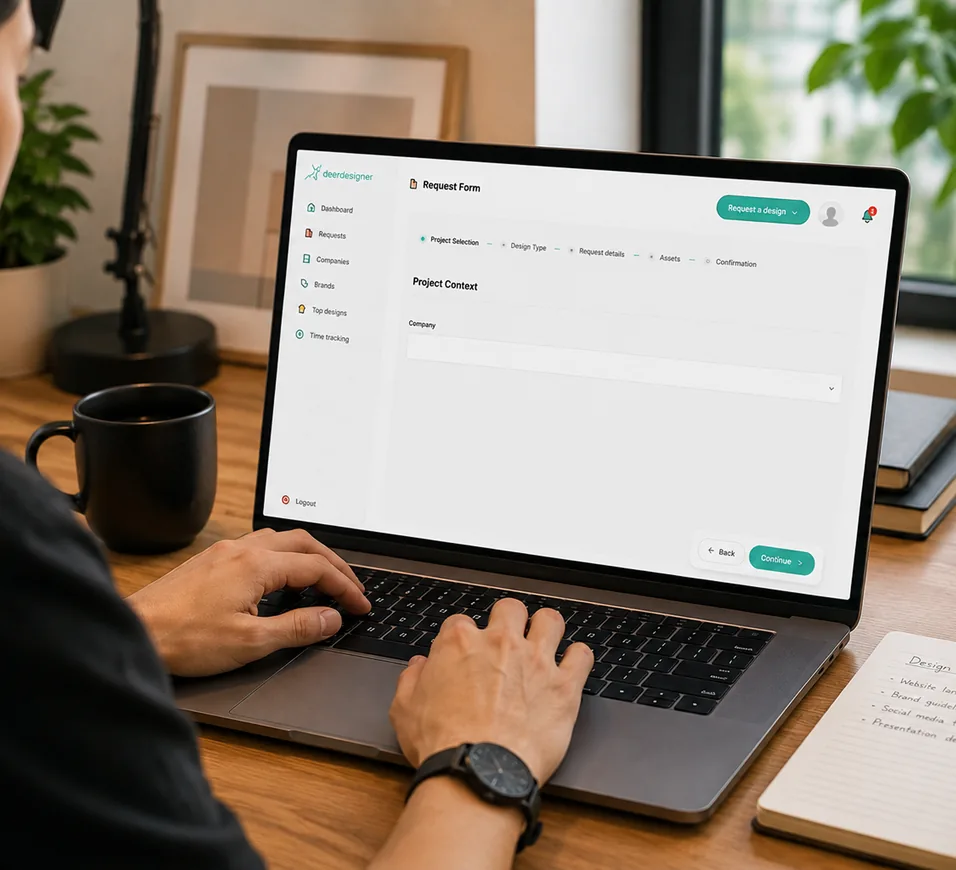
The request goes to the right person inside your pod. Senior designers take the thinking work (concepts, web, decks, branding). Production designers take the volume (resizes, variations, adaptations). Motion, video and development pull in the specialist pool. You see where everything stands at all times.
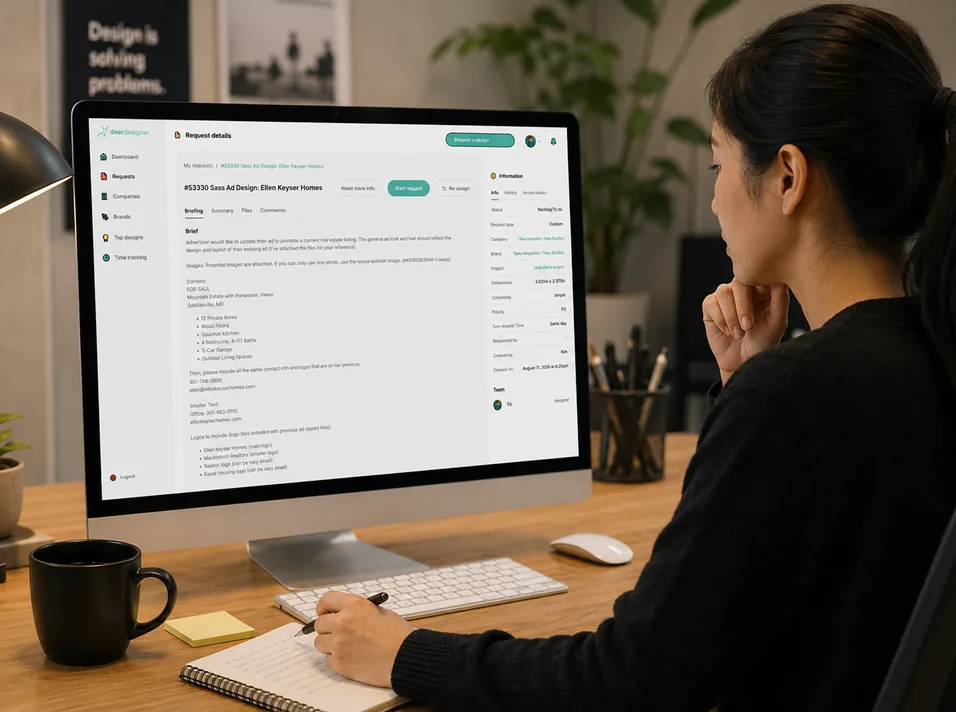
Not a rough sketch of a rough idea. An actual first version, checked against your brand and your brief before it reaches you, with creative director review on complex work. First drafts land in 12 to 48 hours depending on your plan.

Drop a pin on the design or the video frame and say what you want changed. Revisions are unlimited, and they jump ahead of new briefs in your own pipeline, so half-finished work never sits behind something you submitted yesterday.

Source files always (Figma, Adobe, Canva) plus the exports you need: PDF, PNG, JPG, SVG, MP4, GIF. Everything stays in your library, so next time you need a variation, your pod already knows where it lives.
How slots work
Every plan gets the whole pod and every discipline. What changes is how much moves at once. A slot is one piece of work actively in production. One slot, one thing being designed right now. Four slots, four things.
Your slot is held only while the work is with us. The moment it lands with you for review, the slot is released and the next thing in your pipeline starts. You are never charged capacity for sitting in your own inbox.
Waiting in your pipeline, in the order you set.
Your pod is working on it. This is the only stage that uses a slot.
Slot released. Next request starts immediately.
Files delivered, filed in your library.
15 to 20 tasks a month
30 to 40 tasks a month
60 to 80 tasks a month
Most subscriptions hold the slot until you approve. So a decision-maker on holiday costs you a week of what you paid for. Ours doesn't.
That's why one slot here ships more than one slot somewhere else.
2 Slots
Slot 1
Slot 2
Typical timings
Real patterns, not marketing promises. The clock starts when the brief is complete. If something's missing, we ask first, and your slot isn't used while we wait.
| Type of work | Typical turnaround | In plain words |
|---|---|---|
| Social postsingle size | ~24 business hours | Often template-based; smaller creative lift |
| Banner ad setseveral sizes | ~24 business hours | Adaptation from a direction, not a full new concept |
| Email templatedesigned | ~24 business hours | Structured layout with a clear scope |
| Simple illustrationor icon | ~24 business hours | Bounded, single-piece creative |
| Landing pagedesign, not coded | About 1–3 business days | Multiple sections; direction plus execution |
| Pitch deckup to ~15 slides | About 2–3 business days | Concept, layout, and polish together |
| Ebook or multi-page PDF10+ pages | About 2–3 business days | Volume plus consistency across sections |
| Video edite.g. social clip from existing footage | About 2–4 business days | Specialist craft and structured output |
| Full brand kite.g. logo, type, colors, templates | About 3–5 business days | Strategy plus many linked deliverables |
| Coded landing pagee.g. Webflow | About 3–5 business days | Two separate 1-slot requests (design & dev). Pro & Partner can run them in parallel; Core runs them back to back. |
| Complex motione.g. 30–60s piece | About 4–5 business days | Story, boards, animation… multiple specialist steps |
First drafts: 24–48 hours on Core, 24 hours on Pro, 12–24 hours on Partner. Bigger pieces like a full site or an explainer video get scoped and scheduled rather than dropped in the queue.
Where AI fits
You're hiring a design team, not a prompt. AI sits in the plumbing so your designers spend their hours on the part that needs taste.
Busy weeks
So you've got four pressure valves, from free to “we just landed a huge client”.
Free
Once a month per slot, interrupt whatever's in production and start your urgent thing instead.
$199/task
Same-day turnaround on a single urgent task, without touching the rest of your pipeline.
$349/week
Adds a whole extra slot for seven days when the entire week is on fire. Needs three business days' notice; Pro includes one a quarter, Partner two.
From $899/mo
When your slots are always full, add one for good. More work running in parallel, not a longer queue.
Staying in the loop
Briefs, status, on-design feedback, your brand library and every file ever made, in one place.
Talk to your whole pod directly inside Buckboard. No middleman relaying messages.
Ticket visibility, status and delivery notifications, and flagging a request without leaving Slack.
Your client success manager chases status so you don't have to. Unlimited users, no per-seat fees.
FAQ
Sign up, set up your brand library, and your first request can go in the same day. First drafts come back in 12 to 48 hours depending on your plan.
Start with a sentence and Buckboard helps turn it into a brief your pod can work from. Add the goal, copy, dimensions, references and anything you definitely don’t want. The clearer the brief, the faster the team can get to the useful part.
Yes. Your pod is visible in your account, and communication stays attached to the relevant request so everyone who needs the context can see it. Your client success manager is there when something needs coordination, clarification, or a human conversation.
It releases the slot. The next request in your pipeline can start while you review the previous one, so a busy day or a decision-maker on holiday doesn’t waste the capacity you paid for. You can have up to twice your slot count waiting for review at once. After ten business days without a response, the request is automatically archived. You can reopen it whenever you’re ready. It simply goes back into your pipeline instead of jumping ahead of active work.
You don't have a designer, you have a pod. So the fix is usually smaller than you think.
Just tell us. The first thing we do is work out what's actually going wrong, because “it's not clicking” usually means one of two things: the person isn't the right fit for your brand, or the direction was never properly pinned down and everyone's been guessing. Swapping someone fixes the first and does nothing for the second.
If it is the person, we swap that designer. Not the whole team. Your brand memory stays intact, and you're not starting over. No awkward conversation, no notice period.
Absolutely! On every plan. Separate brand libraries, separate guidelines, one subscription.
You do.
Once the work has been delivered and paid for, it’s yours to use. We may showcase selected work in our portfolio unless your agreement or NDA says otherwise.
Pick a plan and send your first brief today, or book 20 minutes and we'll walk you through Buckboard with your own backlog.